Using ChatGPT to Brainstorm UGC Video Concepts for Brands: A Step-by-Step Guide for Content Creators
Learn how using ChatGPT to brainstorm UGC video concepts for brands can help you pitch more creative ideas, faster. A step-by-step guide for content creators.
Details
Using ChatGPT to Brainstorm UGC Video Concepts for Brands: A Step-by-Step Guide for Content Creators
A brand lands in your inbox. They want five unique video concepts by Friday. You open a blank document and stare at it. We've all been there. Ideation is one of the most time-consuming parts of UGC work, and it's also where creators most often undersell themselves by rushing through it or recycling the same formats they've always used.
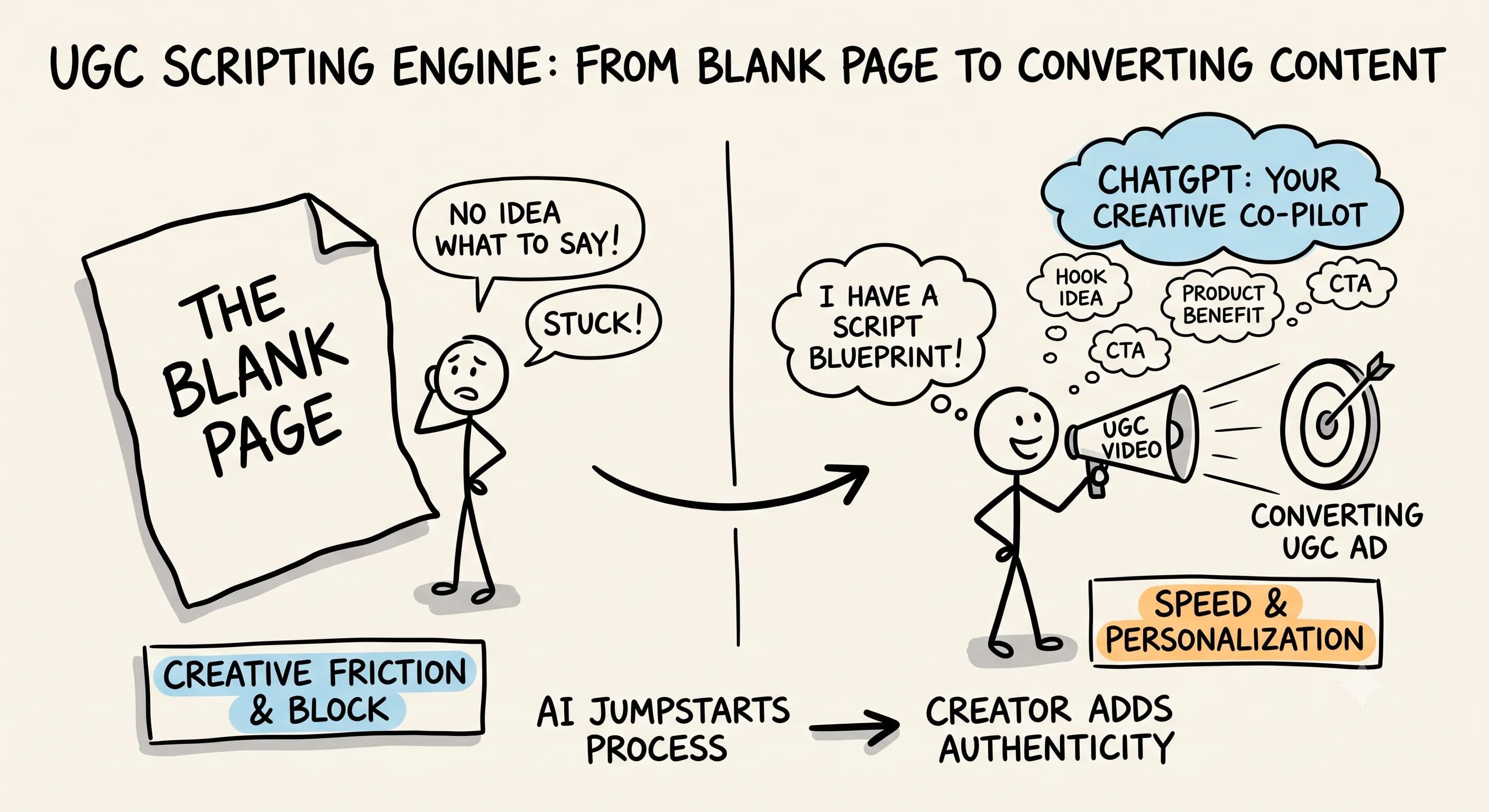
Using ChatGPT to brainstorm UGC video concepts for brands changes that dynamic. Not because AI does the creative work for you, but because it widens your idea pool faster than any solo brainstorm can. Think of it as a thought partner that never runs out of energy and never judges a bad idea.
Why UGC Creators Should Use AI for Video Concept Development
The UGC space is competitive. Brands receive pitches from dozens of creators, and the ones who consistently win deals over-deliver on creative options. When you use AI strategically, you can walk into every brand conversation with a broader, more refined set of video concepts without proportionally increasing the time you spend on ideation.
Can ChatGPT create UGC videos? Not exactly. It can't film, edit in CapCut or Adobe Premiere Pro, or generate a voiceover in ElevenLabs. What it can do is dramatically accelerate the brainstorm phase. According to Optimove, the most effective approach is to treat ChatGPT like a creative intern: use iterative prompting, generate multiple outputs, compare them side by side, and use the AI as a creative jumpstart while you revise for originality and brand fit.
What's most distinctive about this workflow, as noted by both Optimove and RoasPig, is that it preserves your role as the final creative decision-maker while using ChatGPT to widen the idea pool and shorten time spent on initial ideation. You're not outsourcing your creativity. You're expanding it.
How to Use ChatGPT to Brainstorm UGC Video Ideas: A Step-by-Step Guide
 Here's the exact process to turn a brand brief into a polished creative pitch using ChatGPT.
Step 1: Input the Brand's Core Details
Open a new ChatGPT session and plug in the brand's product, target audience, and campaign goal. Be specific. Instead of "skincare brand," write "a vitamin C serum targeting women 25 to 40 who want to reduce dark spots." According to Optimove, adding explicit constraints such as platform, duration, tone, audience segment, and campaign goal to your prompts improves the quality of AI-generated concept outputs. The more context you give, the more useful the output.
Step 2: Generate Your First Round of Concepts
Ask ChatGPT to generate several UGC video ideas based on your prompt. Request different formats: testimonial-style, before-and-after, day-in-the-life, or trending audio hooks. You want volume at this stage, not perfection. A Substack tutorial on UGC workflow confirms this, recommending you ask ChatGPT to generate multiple UGC-style video ad concepts including the angle, scene, hook, reveal, duration, and casual dialogue, framing ChatGPT explicitly as the idea-generation step before production begins.
Step 3: Challenge Every Output
This is where most creators stop too early. Don't accept the first response. Push back. Ask ChatGPT why a concept would resonate with your specific audience. Ask it to explore content categories you haven't tried. Request a more emotional angle or a more humorous one. A YouTube tutorial on UGC ads with ChatGPT specifically advises iterating and refining rather than stopping at the first draft. The back-and-forth dialogue is where the best ideas emerge.
According to Optimove, generating multiple angles at once and comparing them rather than accepting the first idea is a recommended practice when using ChatGPT for UGC concept brainstorming. Don't shortchange this step.
Step 4: Separate Concept Generation from Scripting
 Once you have a strong concept, resist the urge to do everything at once. A creator blog on ChatGPT for UGC content emphasizes brainstorming concepts first, then using ChatGPT to craft scripts from the selected ideas, keeping concept generation and scripting as separate steps. This keeps your thinking cleaner and your pitches sharper. Refine each concept into something actionable: a clear hook, a format, and a call to action. Then ask ChatGPT to write a rough script outline or suggest a visual sequence.
Step 5: Apply Your Creative Judgment
Review everything with your own voice and experience as a filter. Select the concepts that align with your on-camera strengths and the brand's tone. Adapt the language, adjust the format, and make it yours before you present it. As RoasPig notes, generating many concepts and then using human curation to select and develop the best ones, rather than relying on raw AI output, is the recommended workflow for AI-powered UGC ideation.
Step 6: Pitch the Concepts as Your Own Creative Work
Present the refined ideas confidently. You did the creative work. ChatGPT just helped you think bigger.
Explore Content Categories and Formats for Best Results
One of the biggest advantages of using AI to brainstorm UGC video content is the ability to explore content categories you might default away from. If you always pitch lifestyle videos, ask ChatGPT to generate a high-impact educational video concept or a reaction-style UGC video for the same brand. The UGC Club recommends using ChatGPT to input a topic or keyword and let it generate ideas for new angles or concepts for UGC, specifically because it pushes creators outside their usual defaults.
Variety signals creative range and boosts your appeal to brands looking for multi-format ad creative campaigns. For video creation across platforms, also ask ChatGPT to help you adapt a single concept into multiple formats: vertical for TikTok and Reels, horizontal for YouTube, and a condensed version for Stories. This kind of strategic thinking is what separates good UGC creators from truly indispensable ones.
AI Unpacker reinforces this with a co-create then curate approach: tailor your prompts to audience context, generate multiple options, and then refine the best concept into a clear campaign brief. That's the full loop, and it's faster than any solo ideation session.
Stop Asking AI to Make a UGC Ad and Do This Instead
 You've probably noticed that generic prompts produce generic results. The fix is straightforward. According to an X post on AI UGC workflow, effectiveness improves when you stop asking AI to make a UGC ad and instead use it to build the story, map the shot flow, write the hook, and design the assets as part of a concept-first workflow.
That shift in framing changes everything. You're not asking ChatGPT to do the creative job. You're asking it to help you build the architecture of a strong video idea, piece by piece. The result is a concept with actual bones to it, not a generic summary you'd throw away.
Which ChatGPT Model Is Best for Content Creation?
For video marketing brainstorming, GPT-4 consistently delivers more nuanced and creative outputs than earlier models. It better understands brand tone, audience psychology, and video content structure, all essential for developing concepts that actually convert in ad creative campaigns.
Start Using ChatGPT to Level Up Your UGC Pitch Game
The creators winning more brand deals aren't necessarily the most talented on camera. They're the most prepared. By learning how to use ChatGPT as a thought partner in your ideation process, you can consistently show up to brand conversations with more options, more confidence, and more creative firepower.
Start your next pitch with a brainstorm session in ChatGPT. Give it real constraints, push back on the first draft, keep concept generation and scripting separate, and apply your own judgment before you present anything. That's the workflow. And when you follow it, you'll be surprised what you're actually capable of producing.
Read more about Becoming a Content Creator
📚 Complete Guides
- How to Become a Content Creator: Complete Beginner's Guide
- Content Creator Platform Guide: Choose the Right Platform to Start Your Creator Journey
⚡ Tactics & Strategies
- 50% Retention Rate Optimization for YouTube Algorithm Success
- Age Bracket as Superpower Strategy for Older UGC Creators
- AI Workflow Integration for Content Reduction
- Audience Consistency Strategy to Avoid Algorithm Penalties
- Audience Poll on Instagram to Source Q&A Content in Advance of Recording
📄 Related Articles
- Voice of the Customer: A Creator's Guide to Magnetic Messaging
- Content Creator Burnout: Signs, Prevention, and the Mindset That Fixes It
- Influencer Authenticity: How Honest Product Reviews Drive Real Influence
- TikTok Creator Search Insights: How to Find Content Gaps That Guarantee Views
- The AI Content Creation Workflow: Turn 37 Seconds Into 1,200 Words
- The AI Content Workflow That Cuts Production Time by 70%
- Influencer Campaign Report: How Smart Reporting Systems Build Stronger Brand Relationships
- How to Ask Someone to Be on Your Podcast (And Actually Get a Yes)
Read more about Systems, Workflows & Operations for Content Creators

Alex Kirillov
Details
One link. Every channel, rate, and piece of work brands need to evaluate you. Built for how creators actually get hired.
Claim your profile
Live creator, content, and marketing roles from real companies, with the pay, market, and context the raw job page never gives you.
Browse jobs