

Aidvid
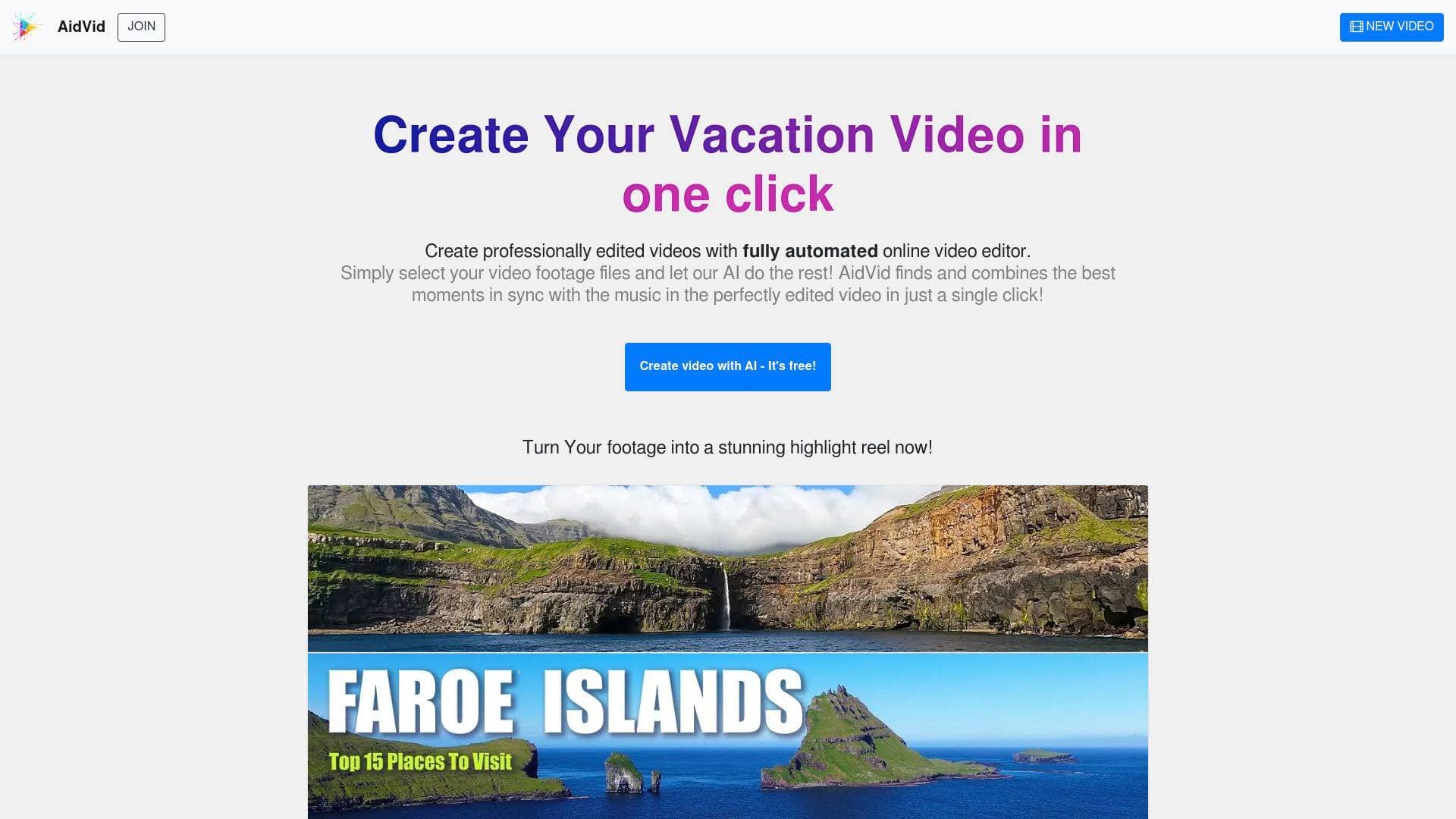
Aidvid is a fully automated online video editor that uses AI to turn raw footage into professionally edited highlight videos with a single click.
Brief Overview of Aidvid
Aidvid is a fully automated, browser-based video editing tool designed to transform raw video footage into professionally edited highlight reels. The platform's core function is to eliminate the manual labor of video editing by leveraging artificial intelligence. It solves a significant problem for creators who capture hours of footage—such as from vacations, drone flights, or action cameras—but lack the time or technical skill to sift through and edit it. The entire content creation workflow is condensed into a single click after uploading files.
The AI technology intelligently analyzes the user's footage, identifies the most compelling moments, and automatically combines them into a cohesive video, synced to music. Aidvid requires no software installation and is accessible directly from a web browser, making it a highly convenient multistreaming solution for producing polished videos from sources like GoPro and DJI Mavic drones. Its primary differentiator is its complete automation, offering a hands-off approach to video production.
Aidvid Key Features for Content Creators
-
Fully Automated AI Editing: The core of the platform is its advanced AI, which intelligently analyzes all uploaded footage. It automatically identifies key moments and important scenes, ensuring that the final video is a curated collection of the best shots without any manual input.
-
One-Click Video Creation: The process is simplified to the extreme. Users select their video files, and the AI handles the entire editing process—from shot selection to final assembly—with a single click.
-
Music Synchronization: The AI doesn't just combine clips; it edits them to be in sync with music. This creates a more dynamic and professional-feeling final product, turning a collection of raw clips into a compelling narrative.
-
Browser-Based Platform: Aidvid is an entirely online tool, which means no software installation is required. Users can access it from any compatible browser, eliminating concerns about system requirements or software updates.
-
Simplified User Interface: The platform is designed to be hassle-free, requiring no knowledge of complex video editor interfaces or editing skills. This makes it accessible to absolute beginners who just want a finished product.
-
Efficient, Time-Saving Process: The automation completely removes the need for users to manually review hours of footage, select individual shots, or perform any edits. This can save a significant amount of time, especially when dealing with large volumes of content from trips or events.
-
Adjustable Video Duration: While the process is automated, users have the flexibility to select the desired duration for their final video. This allows for the creation of both short highlight videos suitable for social media and longer versions for personal archives.
-
Free Low-Resolution Previews: Aidvid operates on a results-oriented model. It generates a low-resolution version of the video completely free of charge. Users only need to pay if they are satisfied with the AI-generated result and wish to download the final, high-quality video.
-
Large Volume Footage Processing: The tool is built to handle substantial amounts of raw footage. Examples demonstrate its capability to process hundreds of files, amounting to over 100GB of data and hours of video, into a single, polished edit.
Aidvid Target Users & Use Cases
Aidvid is specifically designed for individuals who generate a lot of video content but do not have the desire, time, or expertise for manual video editing. The platform's simplicity and focus on automation make it an ideal solution for a distinct set of creators and hobbyists.
-
Primary Creator Types: The primary users are travelers, vacationers, families, drone pilots (DJI Mavic users), and action sports enthusiasts (GoPro users). Anyone capturing life events like ski trips, hiking adventures, kayaking, or visits to theme parks will find the tool useful for quickly creating memorable summaries.
-
Experience Level: The tool is explicitly targeted at beginners. Its main selling point is the elimination of any learning curve associated with traditional video editing software.
-
Team Size: It is best suited for solo creators and individuals. There are no features mentioned that would support team collaboration or a professional production workflow.
-
Specific Use Cases:
- Creating dynamic travel vlogs from vacation footage.
- Generating highlight reels from a full memory card of GoPro action shots.
- Compiling drone footage of scenic landscapes into a cinematic video.
- Producing a family vacation summary video synced to music.
- Creating short, shareable clips for social media from a day's worth of filming.
- Editing down hours of skiing or hiking footage into an exciting montage.
-
Content Types: The platform excels at producing highlight reels, travel summaries, and short-form social media videos from raw, unedited footage.
How to Get Started with Aidvid
The process for creating a video with Aidvid is straightforward and designed for immediate results.
- Access the Editor Online: Navigate to the Aidvid platform in your web browser. No downloads or installations are necessary.
- Upload Your Footage: Select all the raw video files you want to include in your final video. The platform can handle large batches of files simultaneously.
- Initiate the AI Edit: With a single click, instruct the AI to begin its automated editing process. The system will analyze the footage, select the best moments, and assemble the video.
- Review and Download: Once the AI has finished, you can review a free, low-resolution version of your video. If you are satisfied with the result, you can choose to pay for and download the final, high-quality version.
Frequently Asked Questions About Aidvid
-
Is Aidvid free to use? Yes, creating a low-resolution video with Aidvid is completely free. You can see the AI-generated result without any upfront cost. Payment is only required if you are satisfied with the preview and wish to download the final, high-resolution video.
-
Do I need to download or install any software? No, Aidvid is a fully online video editor that runs directly in your web browser. There is no need to install any applications on your computer.
-
Is Aidvid suitable for beginners? Absolutely. The platform is designed specifically for users with no video editing experience. The entire process is automated, eliminating the need to learn complex interfaces or editing techniques.
-
What kind of footage can I use with Aidvid? Aidvid is designed to work with raw footage from various sources. It is particularly effective for content captured on action cameras like GoPro and drones like the DJI Mavic, as well as footage from typical vacation or travel recordings.
-
How does the AI editing work? The platform's AI intelligently analyzes your uploaded video files to identify key moments and the most important scenes. It then automatically combines these highlights into a professionally edited video that is synced with music.
Bottom Line: Should Content Creators Choose Aidvid?
Aidvid presents a compelling value proposition for a very specific type of user: the individual who wants a polished video product without any of the work. For travelers, families, hobby drone pilots, and casual action camera users who accumulate hours of footage, this tool is an excellent choice. Its greatest advantage is the immense time savings it offers by completely automating the tedious process of sorting, selecting, and editing clips.
The one-click, browser-based system makes it incredibly accessible, and the "pay only if you're satisfied" model removes any risk for the user. Creators who require granular control, creative input, or advanced editing features will need to look elsewhere. However, for anyone whose goal is to quickly and effortlessly turn a folder of raw footage into a shareable, entertaining highlight reel, Aidvid delivers on its promise of fully automated video creation.
Details
One link. Every channel, rate, and piece of work brands need to evaluate you. Built for how creators actually get hired.
Claim your profile
Live creator, content, and marketing roles from real companies, with the pay, market, and context the raw job page never gives you.
Browse jobs

 Post Bridge